Diwali wishes with your name
Diwali is on Sunday, 8 November this year, and a forwarded picture carries someone else's name, or none at all. Here are wishes to send in English, Hindi and Hinglish, and how to make and send a card with your own name in it, in about a minute.
Your family, your own name, or your business.

Diwali wishes for family
May the lamps of Diwali bring light, warmth and prosperity to your home all year.
From the Sharma family
Wishing your family a Diwali full of light, sweets and time together.
From the Sharma family
दीपों का यह पर्व आपके जीवन में सुख, समृद्धि और उजाला लाए।
शर्मा परिवार की ओर से
आपके घर में दीयों की रोशनी, मिठाइयों की मिठास और अपनों का साथ हमेशा बना रहे। शुभ दीपावली।
शर्मा परिवार की ओर से
Roshni aur khushiyon se bhara ho aapka har din. Diwali ki dher saari shubhkaamnayein.
Sharma family ki taraf se
Is Diwali aapka ghar khushiyon, sehat aur mithaas se bhar jaaye.
Sharma family ki taraf se
Diwali wishes for friends
Here's to a Diwali of bright nights, loud laughter and far too many sweets. Happy Diwali!
From the Sharma family
रोशनी, मिठाई और ढेर सारी मस्ती से भरी हो तुम्हारी दीपावली। शुभ दीपावली, दोस्त!
शर्मा परिवार की ओर से
Mithai zyada, diet kal se. Happy Diwali, yaar!
Sharma family ki taraf se
Diwali wishes for customers and clients
Thank you for your trust this year. Wishing you and your family a bright and prosperous Diwali.
From the Sharma family
May this Diwali bring new beginnings and good fortune to you and your family.
From the Sharma family
आपके विश्वास और साथ के लिए धन्यवाद। आपको और आपके परिवार को दीपावली की हार्दिक शुभकामनाएँ।
शर्मा परिवार की ओर से
यह दीपावली आपके घर-परिवार में सुख, समृद्धि और नई शुरुआत की रोशनी लाए।
शर्मा परिवार की ओर से
Aapke saath aur bharose ke liye shukriya. Aapko aur aapke parivaar ko Diwali ki hardik shubhkaamnayein.
Sharma family ki taraf se
Is Diwali aapke ghar aur kaam mein nayi roshni aur barkat aaye. Shubh Deepawali!
Sharma family ki taraf se
Diwali wishes for colleagues and staff
Thank you for all your hard work this year. Wishing you and your family a happy, restful Diwali.
From the Sharma family
पूरे साल आपकी मेहनत और साथ के लिए धन्यवाद। आपको और आपके परिवार को दीपावली की शुभकामनाएँ।
शर्मा परिवार की ओर से
Saal bhar ki mehnat ke liye shukriya. Aapko aur aapke parivaar ko Happy Diwali!
Sharma family ki taraf se
Put your own name on the card
A Celebration Post card does not print your name in a corner: it makes your name part of the picture.

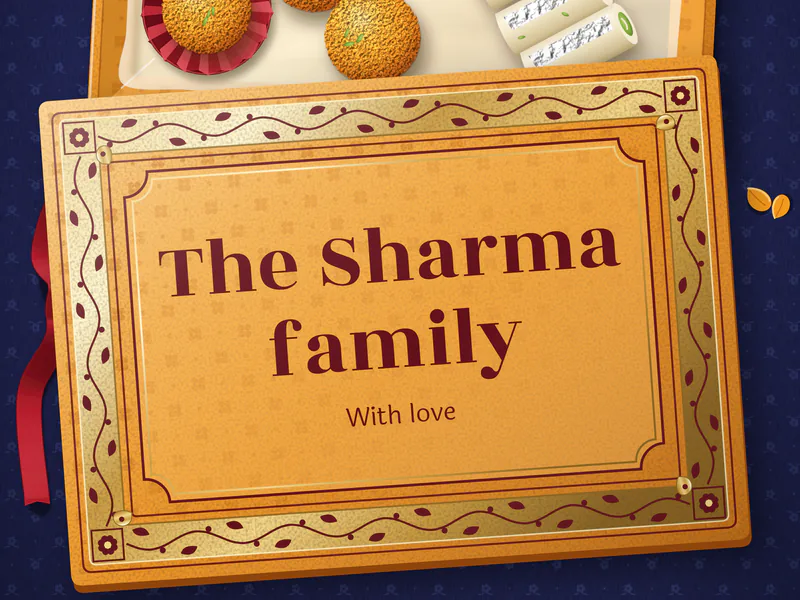
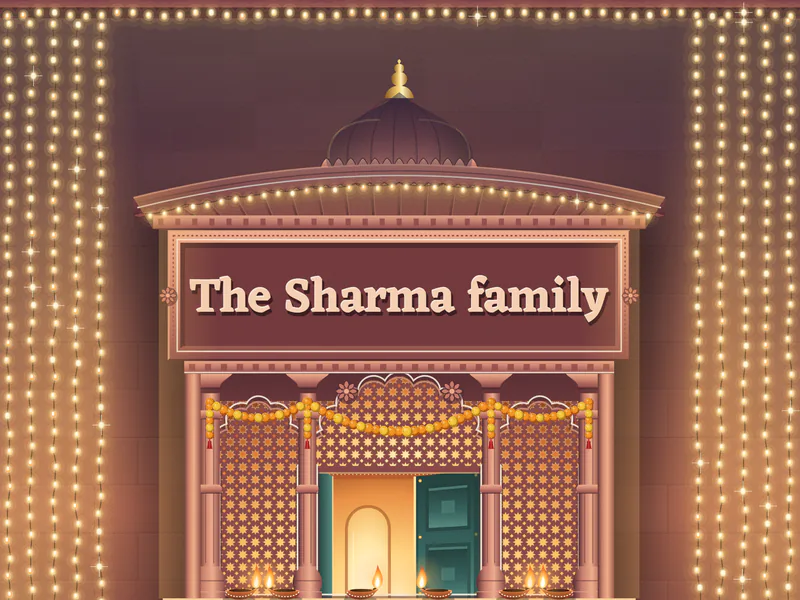
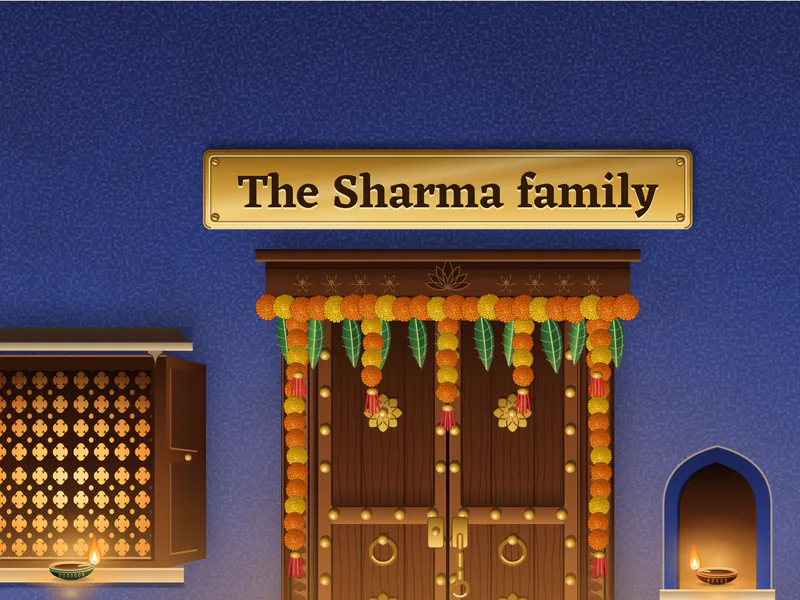
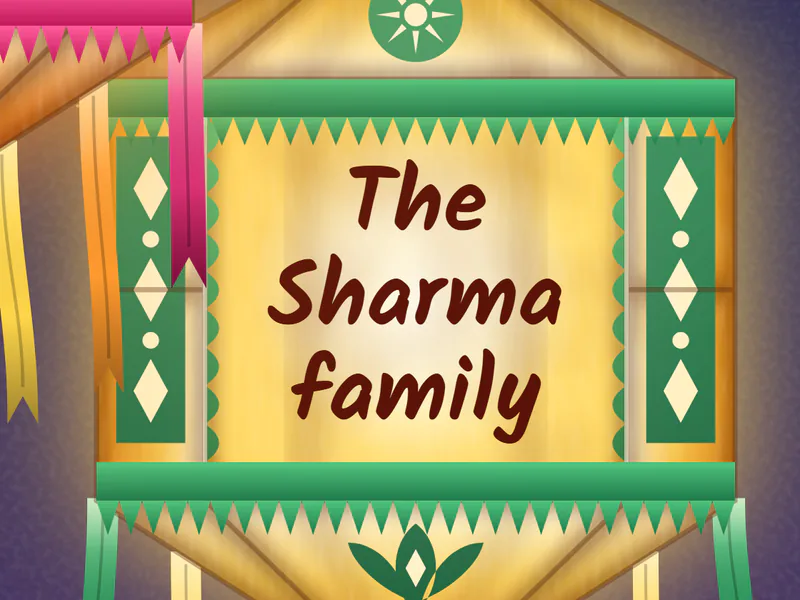
Each card opens with its own small moment when your guest taps the link: the name written in light, the lid lifting, the lights running down the strings.
Made in a minute
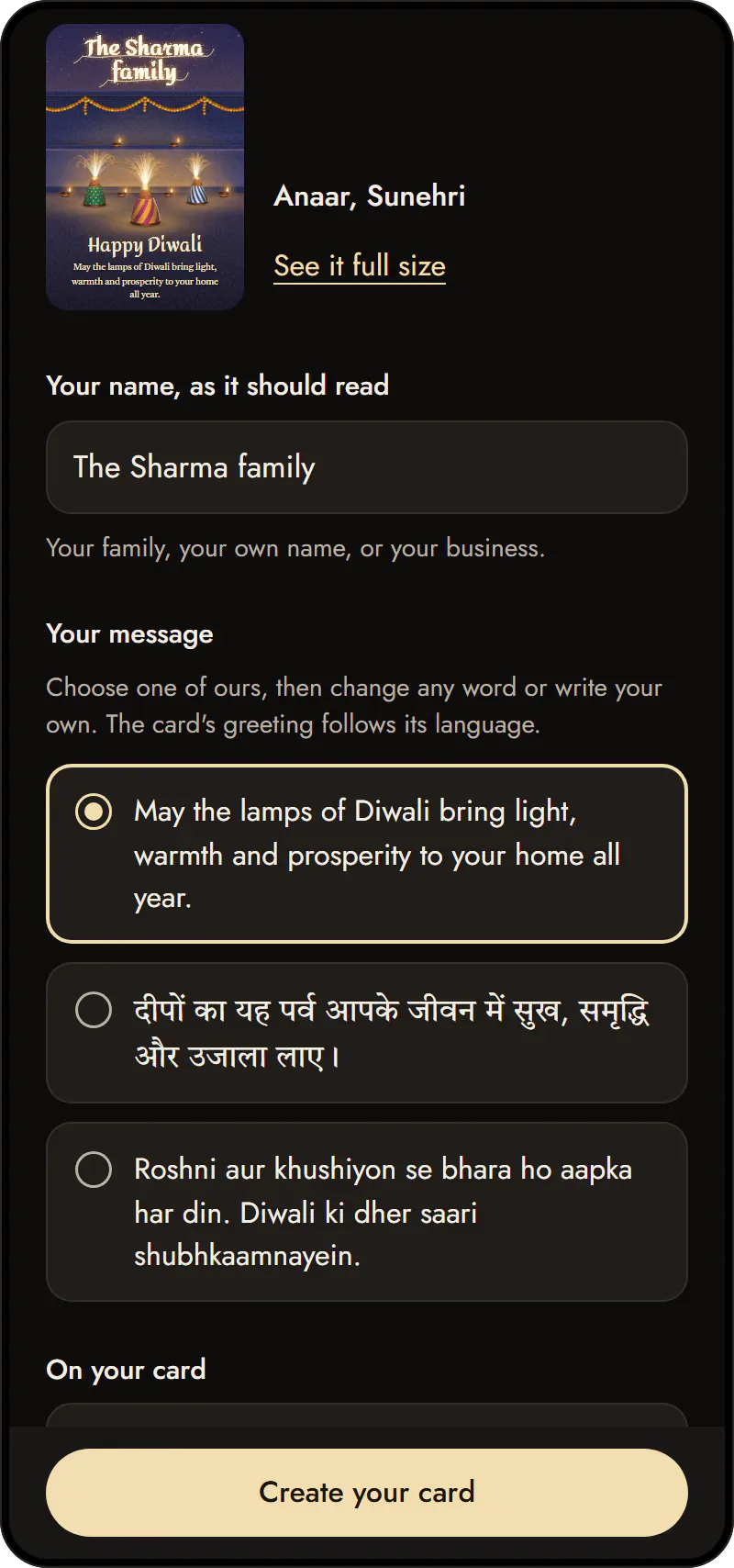
- Type your name and choose a design. Type your name as it should read: your family ("The Sharma family"), your own name, or your business. Then choose a design and a colour; every card shows your name.
- Keep our message or write your own, in English, Hindi or Hinglish. The card's greeting follows its language: "Happy Diwali" or "शुभ दीपावली". Add a family photo or your business logo if you like, a phone number for a business, and whether the card shows how often it has been opened ("Lit 38 times").
- Create and send it. You sign in once, with an email code or Google, so only you can delete it later. Then send the card's link on WhatsApp, and post its pictures to your status or stories.
Send it on WhatsApp
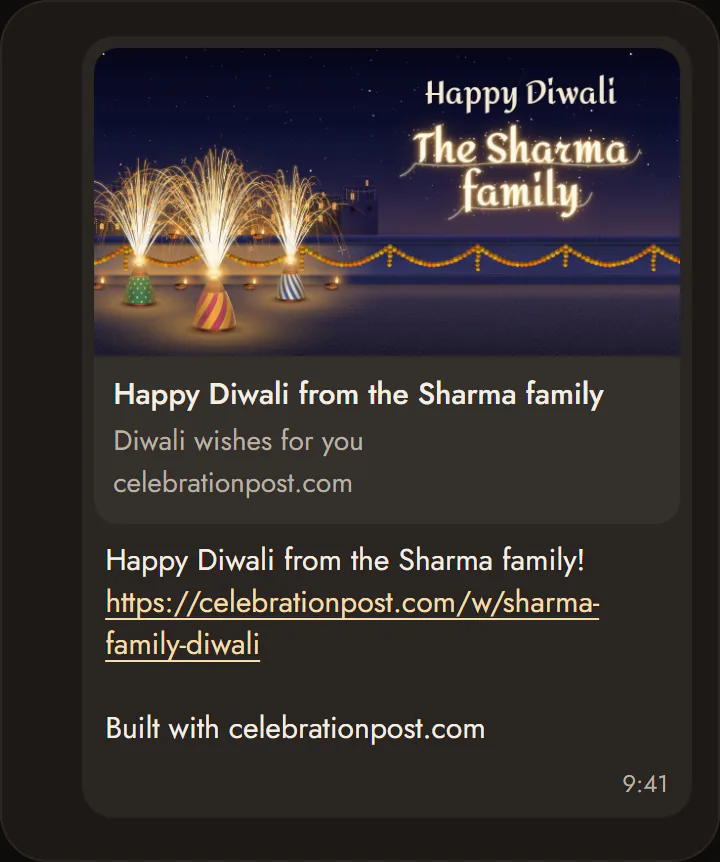
- Your card's link: the share page gives it to you with buttons for WhatsApp and Telegram. In the chat, the preview shows your own card, and the link opens the whole card on any phone, with no app to install.
- Pictures to save and post: tap Make the pictures on the share page, then save each one: a square picture for chats and groups, and a tall one for your WhatsApp status or Instagram story.
- Instagram: send the link in a message and post the tall picture to your story.
For a shop or a business
- Your shop's name and logo sit where the design would carry them: on the lid of the Mithai box (with "With best compliments" under it), on Jharokha's painted signboard, or on a board on Anaar's courtyard wall.
- A phone number, if you add one, goes with it.
- One link for every customer: send the same link to all of them.

Bhai Dooj, too
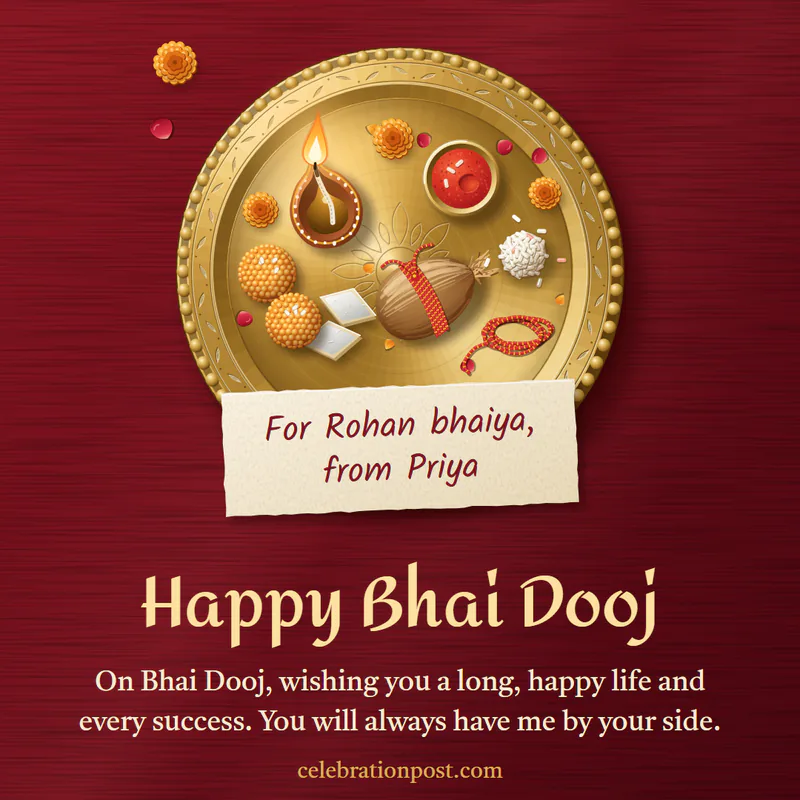
On Wednesday 11 November, send a Bhai Dooj card. Roli puts both names, yours and your brother's or sister's, on a small card on an aarti thali.
Questions
When is Diwali in 2026?
Diwali, the night of Lakshmi Puja, falls on Sunday, 8 November 2026, and Bhai Dooj on Wednesday, 11 November. Most wishes go out over the days around them, from Dhanteras to Bhai Dooj.
Is it free?
Yes. Making, sending and opening a card costs nothing.
Does the person I send it to need an app?
No. The card opens in the phone's own browser, from WhatsApp or any app.
Can I send one card to many people?
Yes. Your card has one link, and you can send it to everyone.
Can I write my name in Hindi?
Yes. Type it in Devanagari and the card and its pictures show it as you wrote it.
Can I change the card after sending it?
A card is made once. If you spot a mistake, delete it from Your designs and make a new one; it takes a minute.
How long does the card stay?
Until a few days after Diwali next year, so you can send it again. You can keep it for good or delete it any time from Your designs.