How to make a wedding e-invite
An e-invite is the invitation you send as a link instead of a printed card. Here is how to make one: three steps, a few minutes on your phone, and free.

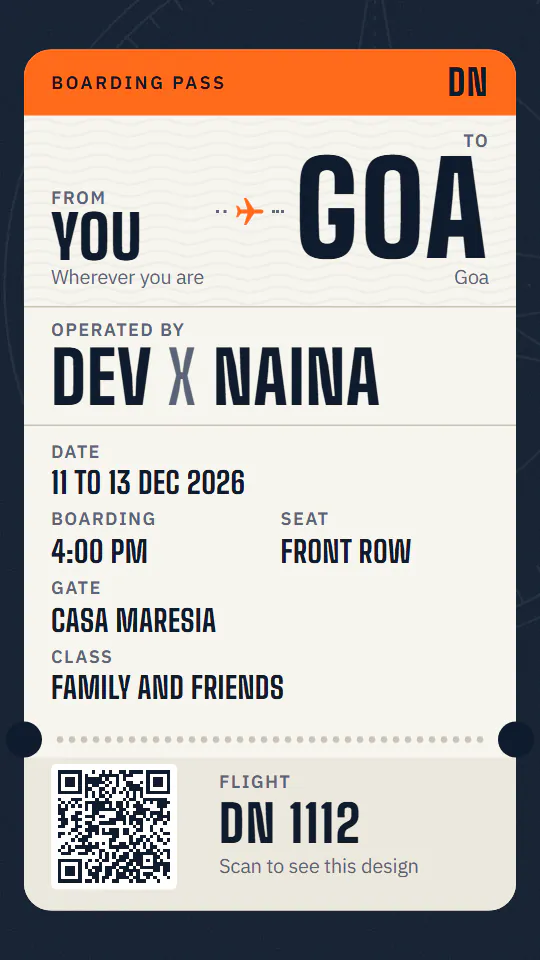

What an e-invite can be
| A picture or PDF of a card | A video | A website | |
|---|---|---|---|
| What guests get | One page to zoom into | A clip to watch | A whole page to scroll |
| Each function and venue | Squeezed onto one page | Shown for a few seconds | Each with its own place and directions |
| Replies | A number to copy | A number to copy | A button: WhatsApp, a call, or a Google Form |
| Changes after sending | Send it again | Make it again | Same link, already updated |
A picture or PDF of a card
- What guests get
- One page to zoom into
- Each function and venue
- Squeezed onto one page
- Replies
- A number to copy
- Changes after sending
- Send it again
A video
- What guests get
- A clip to watch
- Each function and venue
- Shown for a few seconds
- Replies
- A number to copy
- Changes after sending
- Make it again
A website
- What guests get
- A whole page to scroll
- Each function and venue
- Each with its own place and directions
- Replies
- A button: WhatsApp, a call, or a Google Form
- Changes after sending
- Same link, already updated
Celebration Post makes the third kind: your e-invite is a website, made on your phone and sent as one link.
What to put in it
- Both names, as they should read, and the date (or the first and last day, for a wedding over several days).
- Each function: haldi, mehendi, sangeet, the wedding, the reception, each with its date, time and venue.
- Each venue's address, with a Google Maps or Apple Maps link for directions.
- Your parents' names, written as they like them read: "Mrs. Meena and Mr. Anil Mehta".
- A blessing at the top, if you want one: Shree Ganeshaya Namah, Bismillah, Ik Onkar.
- One photo of the two of you.
- How guests reply, and by when: a WhatsApp number, a phone number or a Google Form.
- Extras: a dress code, your muhurat, a hashtag.
Made in three steps
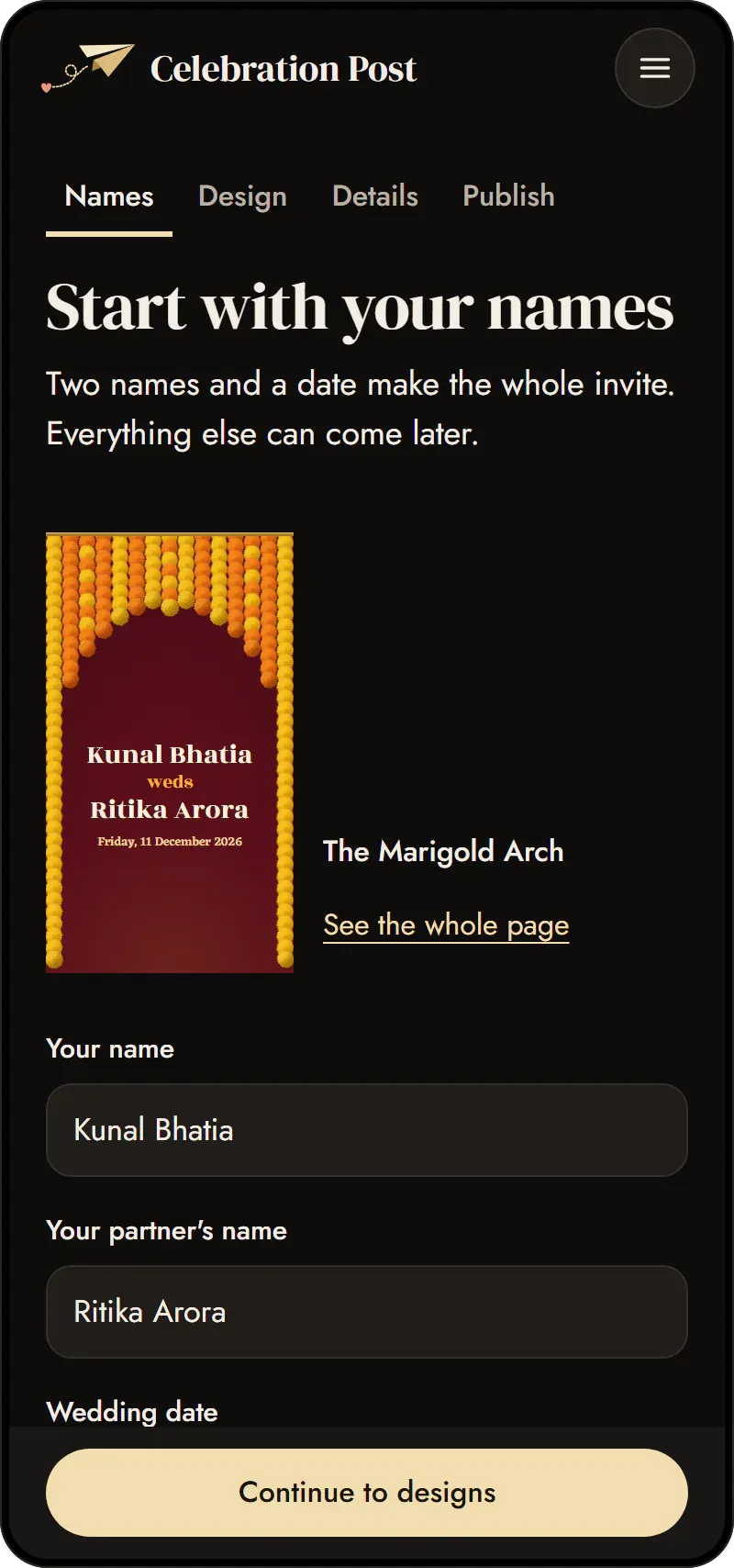
- Type your two names. Your names and the date are all it needs. Every design then shows your own names, so you choose with your invite in front of you.
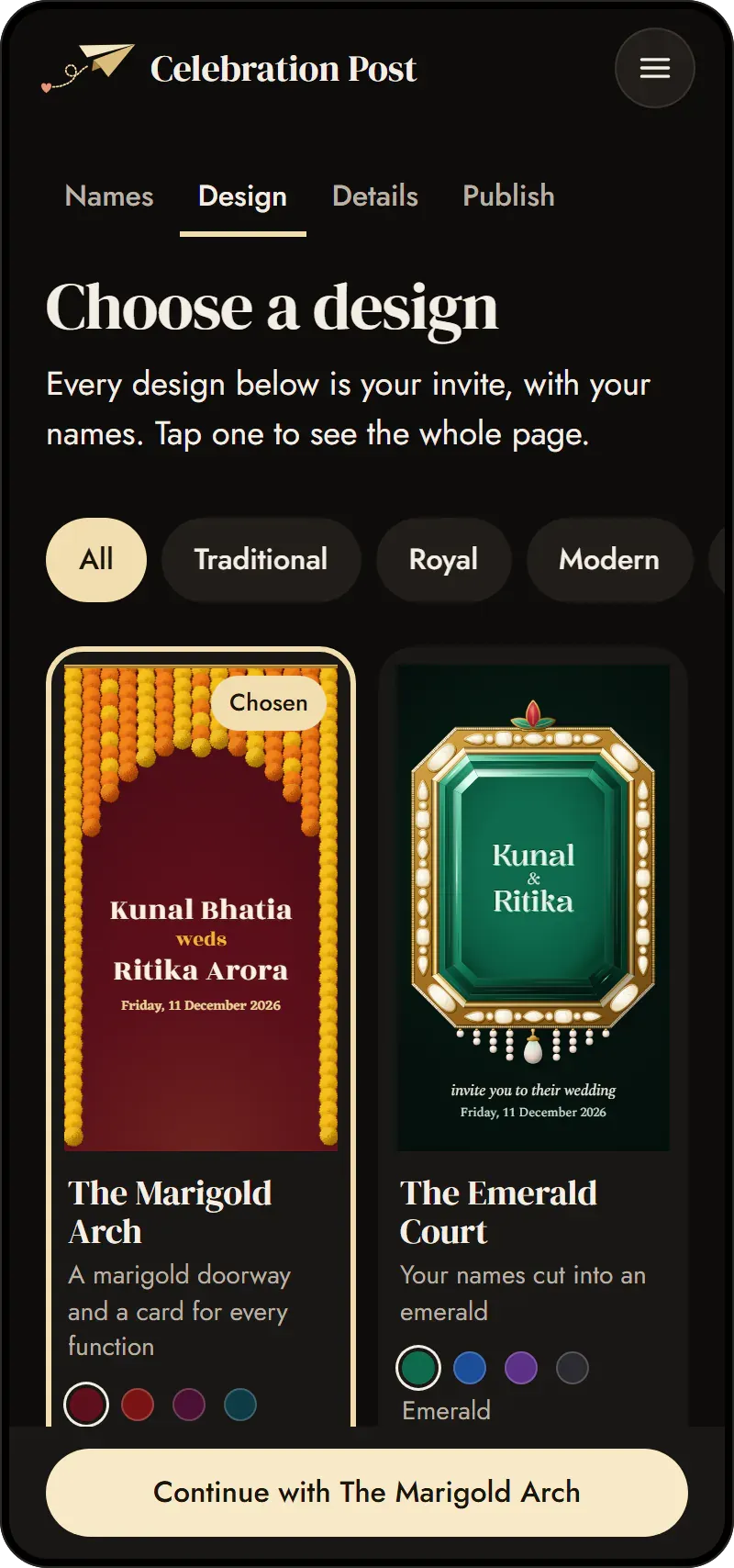
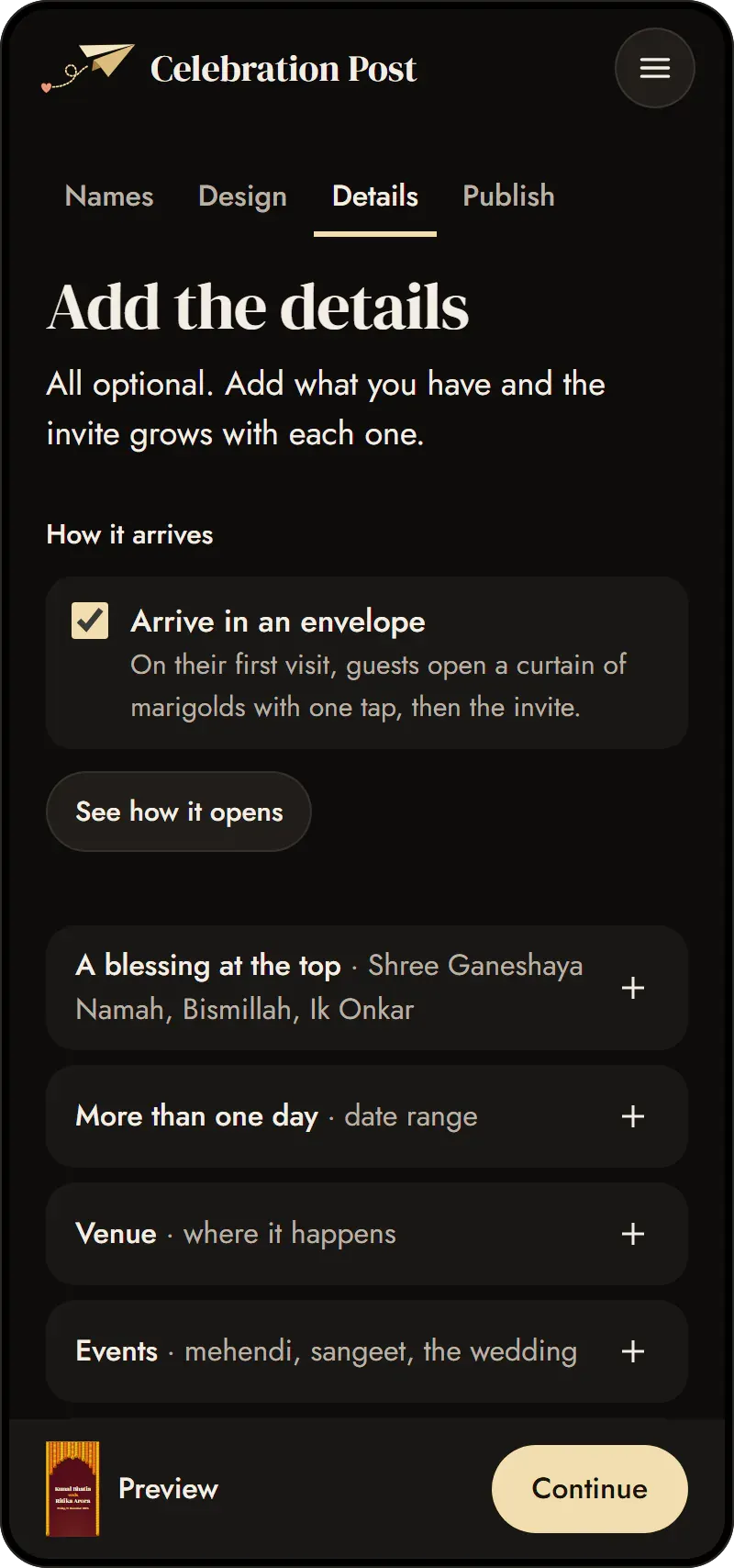
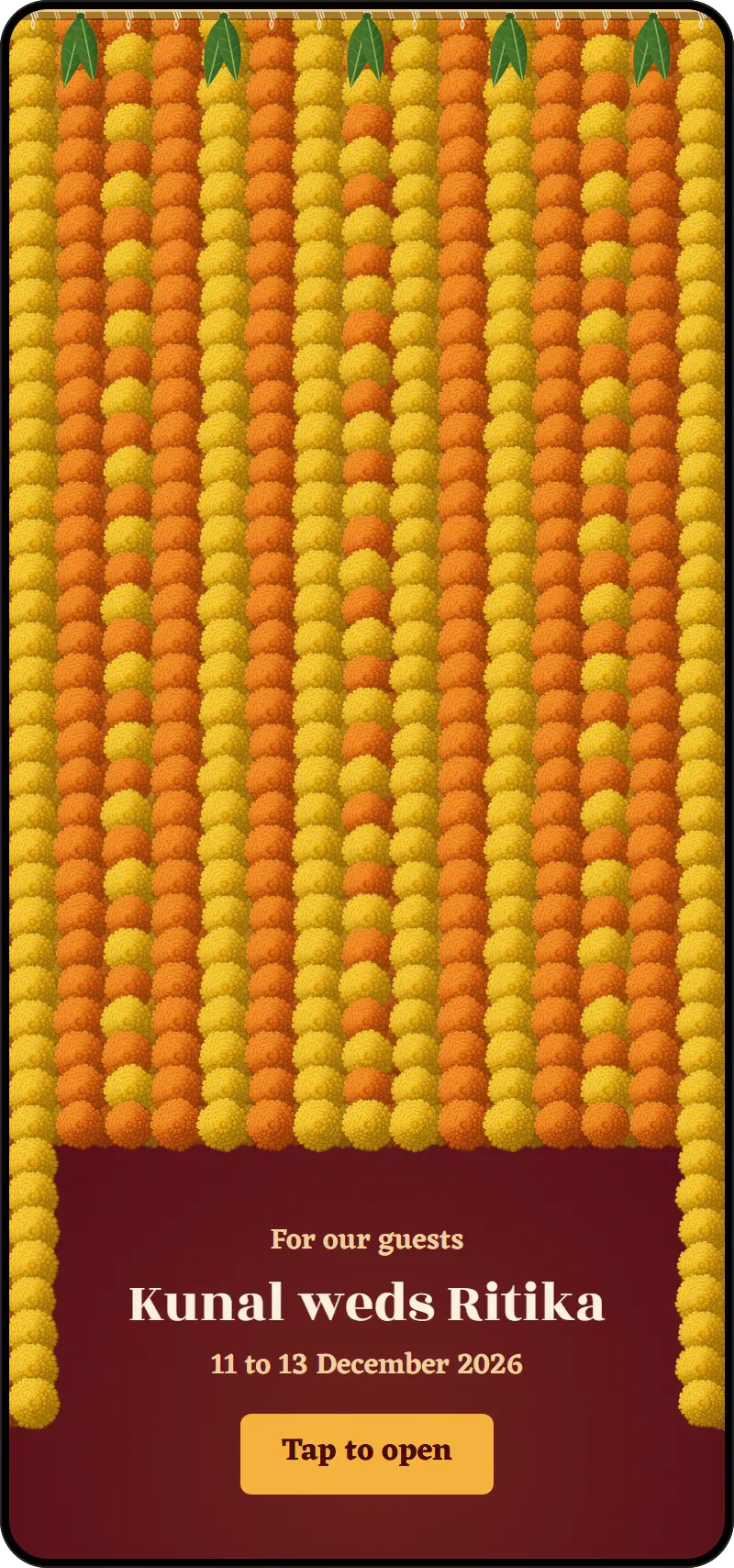
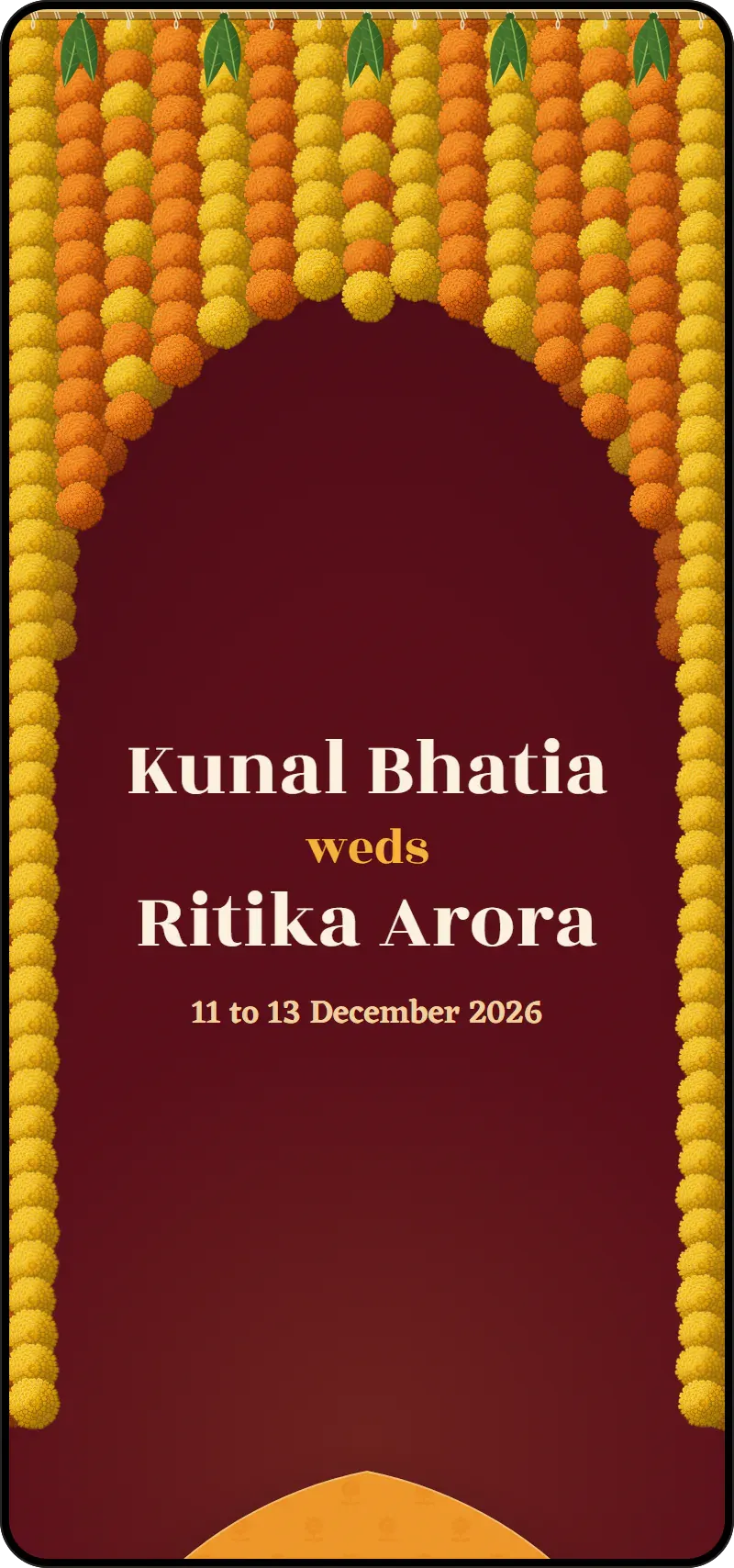
- Choose a look and a colour. Each design comes in four colours. Add your functions, venues, family and a photo, how guests reply and a blessing, and the page grows a section for each; leave something out and its section never appears. Choose how it arrives, too: in an envelope that each guest opens once, in the design's own way. Tap "See how it opens" to watch it.
- Publish and send. Choose a private link if you want only the people you send it to to open it; your invite stays off Google unless you tick the box. Sign in once, with an email code or Google, and you get your own link, a share image for any app and a QR code for printed cards. Change anything later from Your designs.
Wording you can borrow
Together with our families, we invite you to celebrate our wedding.
Kunal and Ritika
We're getting married, and it wouldn't be the same without you.
Kunal and Ritika
With the blessings of the elders, Mrs. Meena and Mr. Anil Mehta cordially invite you and your family to the wedding of Kunal with Ritika.
हमारे परिवार में होने वाले शुभ विवाह में आप सपरिवार सादर आमंत्रित हैं। कृपया पधारकर वर-वधू को आशीर्वाद दें।
Kunal और Ritika
Hum shaadi kar rahe hain! Aapke bina yeh jashn adhoora hai.
Kunal aur Ritika
We joyfully invite you to the Nikah of our children, Kunal and Ritika. Your presence and duas would mean the world to us.
Please reply by 20 November so we can plan for you.
What to write when you send it
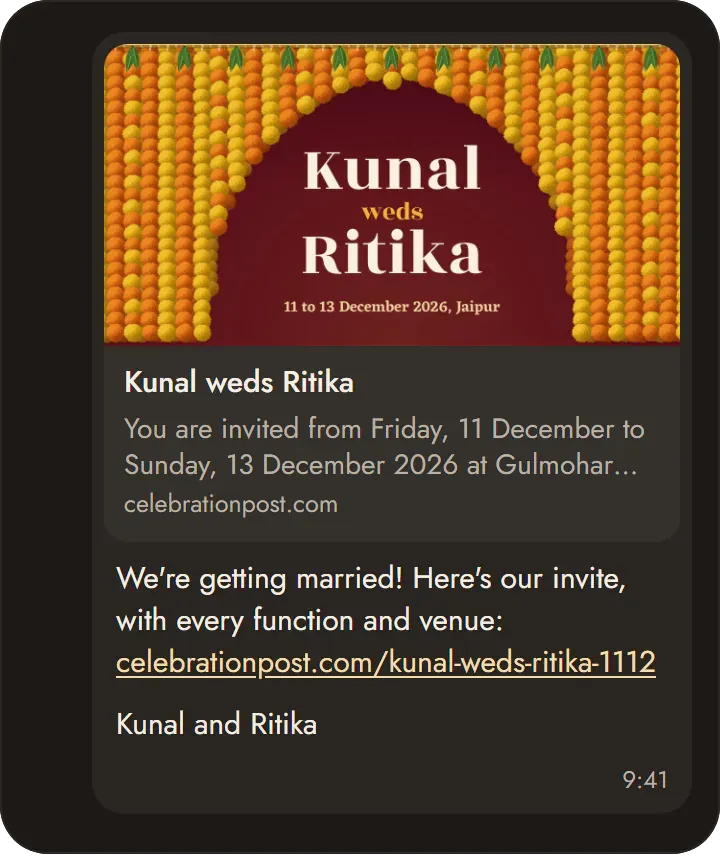
We're getting married! Here's our invite, with every function and venue: celebrationpost.com/kunal-weds-ritika
Kunal and Ritika
हमारे विवाह का निमंत्रण, सभी कार्यक्रमों और स्थानों के साथ: celebrationpost.com/kunal-weds-ritika
Kunal और Ritika
Hum shaadi kar rahe hain! Saare functions aur venues is link par hain: celebrationpost.com/kunal-weds-ritika
Kunal aur Ritika
When to send it
Many families send the invite a month or two before the wedding, earlier for guests who must travel. A short reminder goes in the last week. With a link, the reminder is the same link, and any change you made since is already there.
Send it on WhatsApp and Instagram
- WhatsApp or any app: send your link and the preview shows your own cover. The link opens the whole invite in any phone's browser, with no app to install.
- Status and stories: the share image is sized for them. On Instagram, add the link to a story with a link sticker.
- Printed cards: the QR code puts the same link on a card or a sign.
- Guests' calendars: guests can add one function, or the whole wedding, to their calendar.
- Replies: they come straight to you; the invite collects nothing from guests.


Private, and on Google only if you want
- Private link: it adds an unguessable code to the address, so only the people you send it to can open it.
- Search engines: your invite stays off Google unless you tick "Show this invite on Google and other search engines", and a private invite is never listed.
- Removing it: take it offline and put it back any time, or delete it for good. Unless you choose otherwise, it deletes itself six months after the wedding.
Questions
Is it free?
Yes. Making, publishing and sharing an invite costs nothing.
Do guests need an app?
No. It opens in the phone's own browser.
Can we change it after sending?
Yes. Edit it from Your designs; the link stays the same.
Can we write our names in Hindi or Urdu?
Yes. Type them in any script and the invite shows them as you wrote them.
Can we print it?
The invite is a web page. Print its QR code on a card or a sign, and guests scan it to open the invite.